Troubleshooting
Microscope is not recognised by PC
Solution:
- Ensure that you are using the latest software version (we frequently update the software available on our site).
- Ensure the USB cable is inserted, and the USB port is functioning correctly.
Software won’t open/run
Solution:
- Right-click on the software file and run this as an administrator.
- Ensure that you are using the latest software version (we frequently update the software available on our site).
Why wont my computer run my microscope?
Solution: Ensure that your microscope can be run on the version of your device that you are using.
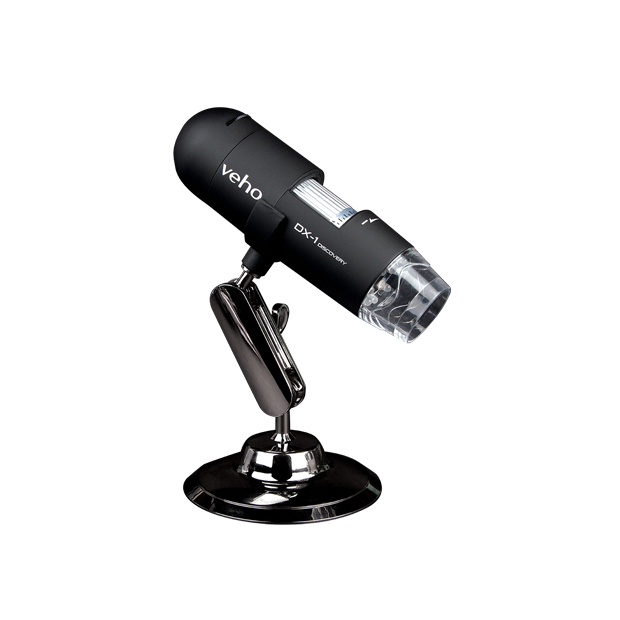
I've lost my software download disk for my DX-1, is there any more software available?
Solution: Yes, the software can also be downloaded digitally via the Veho downloads page. Please follow this link ->DOWNLOADS | veho